
Technology
CUBE OS — the software that runs a CUBE venue
The software that runs the floor: 7 connected apps, one for your staff and 6 for your players — registering every team, opening every game, timing every session and keeping every score.
In-house built and maintained, so there is no third-party licence to pay and nobody between you and your own floor data.
CUBE is changing
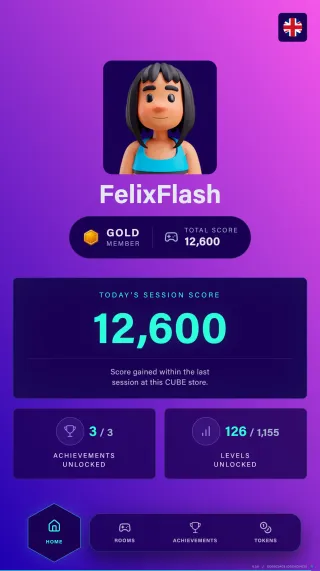
Everything on this page runs today. This is the layer players stay for: an account, a score of their own, adaptive difficulty, levels and a table to climb.
One database behind every venue, so a player's history follows them to any CUBE in the world — and brings them back to yours. All of it serves one thing: replayability.
01
Account & dashboard
One email, one player. History, stats and avatar from any device — no app to install.
02
Personal score & tiers
Every point goes to the player who earned it, up through bronze, silver, gold and platinum.
03
Dynamic difficulty
Each challenge reads how a player is doing and adapts — hard enough to matter, never enough to stop being fun.
04
Modes & levels
Three to four ways to play each challenge, four to five levels deep. The same room is never the same twice.
05
Head to head
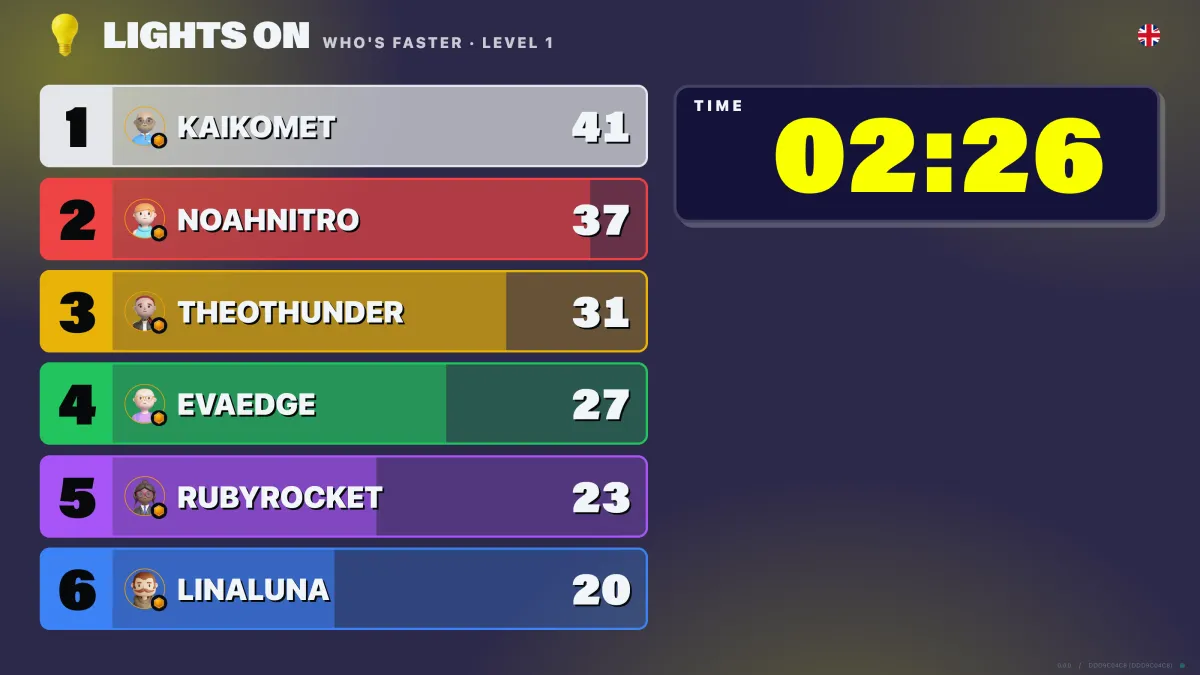
On selected games the team splits and competes in the room, ranked live. Tournament nights, leagues, prize events.
06
Ranking across locations
The house record on your floor, and a worldwide table across every CUBE.
07
One account, every venue
A player's score follows them to any CUBE in the world — and brings them back to yours.
08
Achievements & unlocks
Badges for streaks and records, plus avatar gear that unlocks. The reason for a fourth visit.
09
Tokens & rewards
Tokens collect toward rewards, and can be kept per venue so they are spent where they were earned.
10
Waiver & terms
Accepted at registration, before anyone plays, and recorded against the account.
The screens
Click through the system
Pick a screen to see it full size — the staff layer first, then the path a player walks from the lobby to the leaderboard.
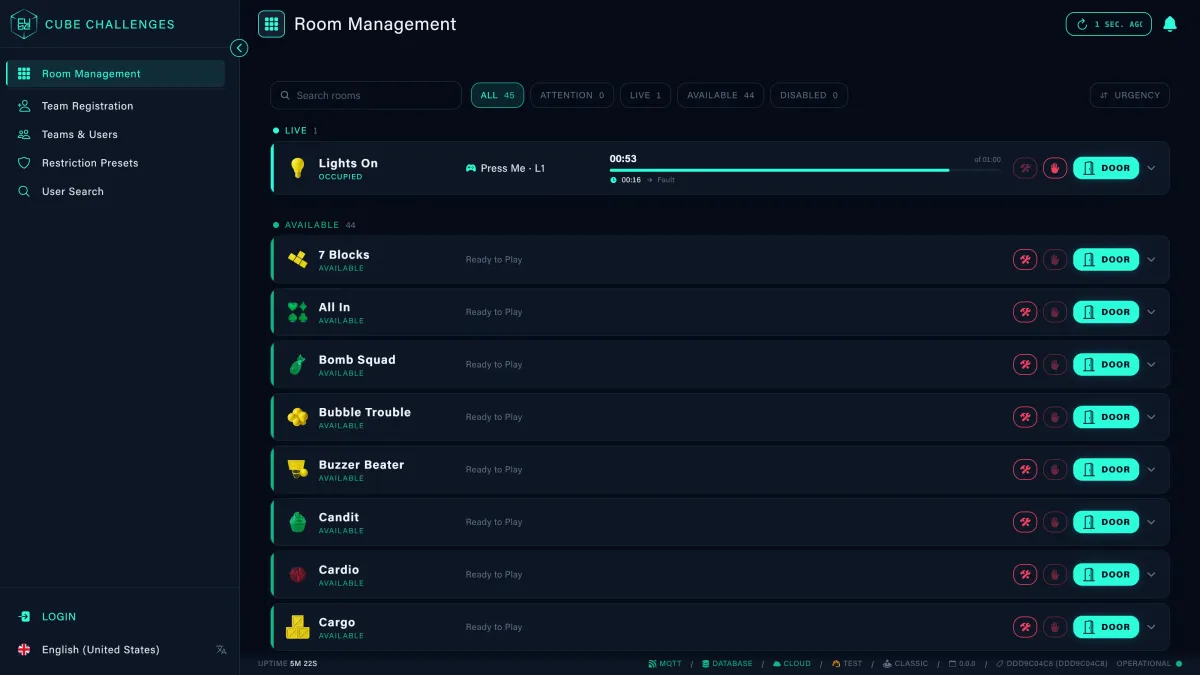
Main Control App
Room management, team registration, users, restriction presets, sessions, stats and logs — the one place your team runs the floor from.
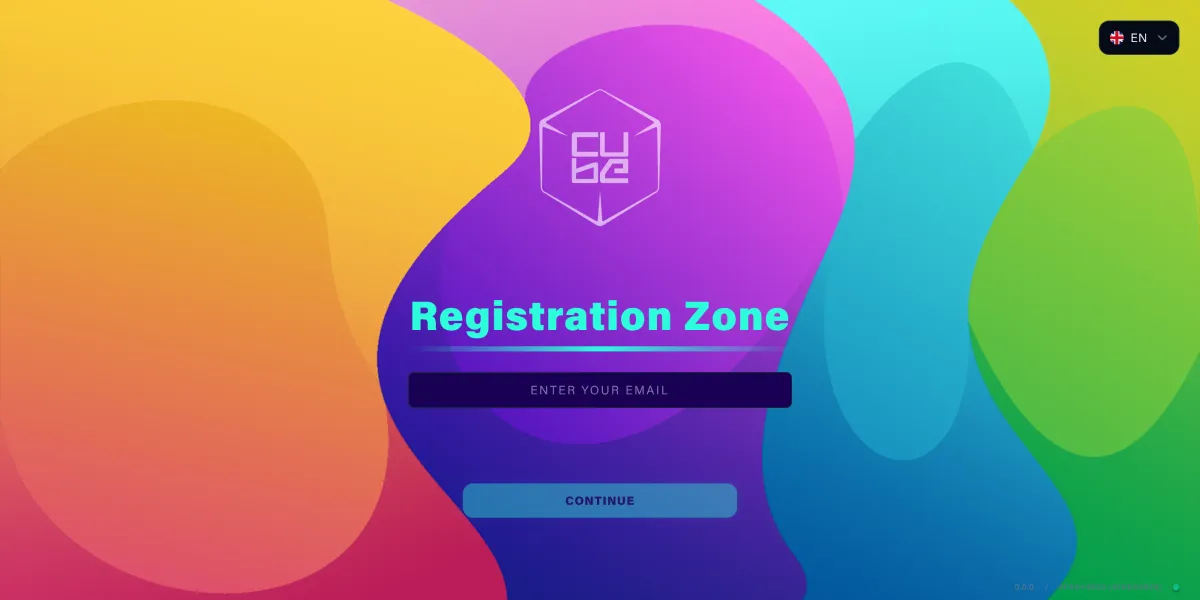
Registration App
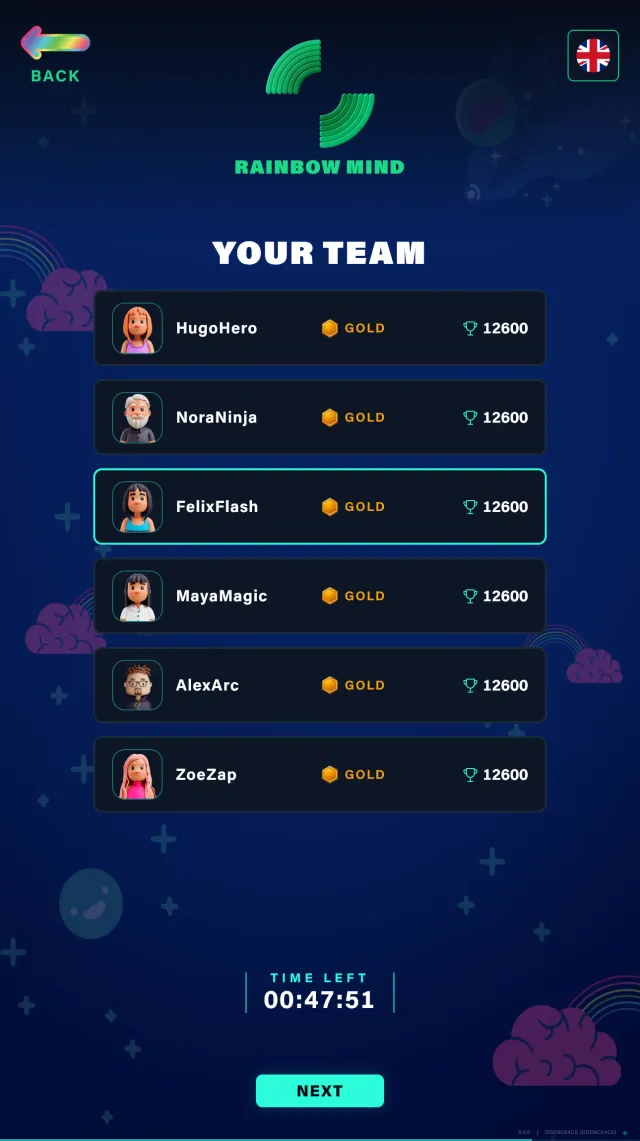
Players sign themselves in with an email, accept your waiver and terms, and pair a wristband — nobody reaches a game before that is done.
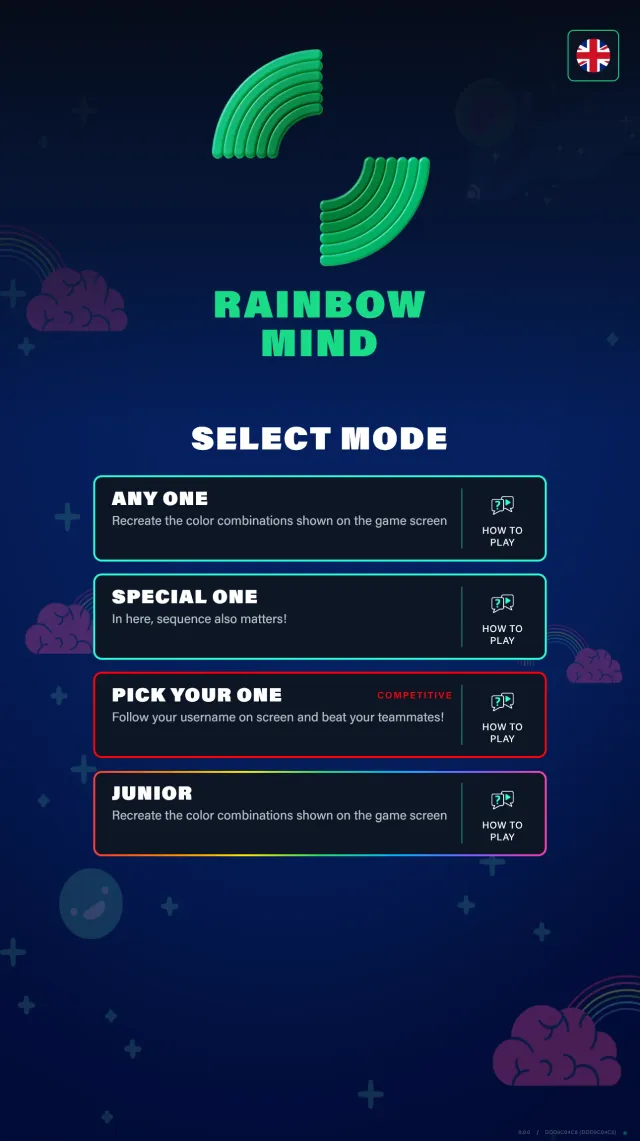
Outside AppNew
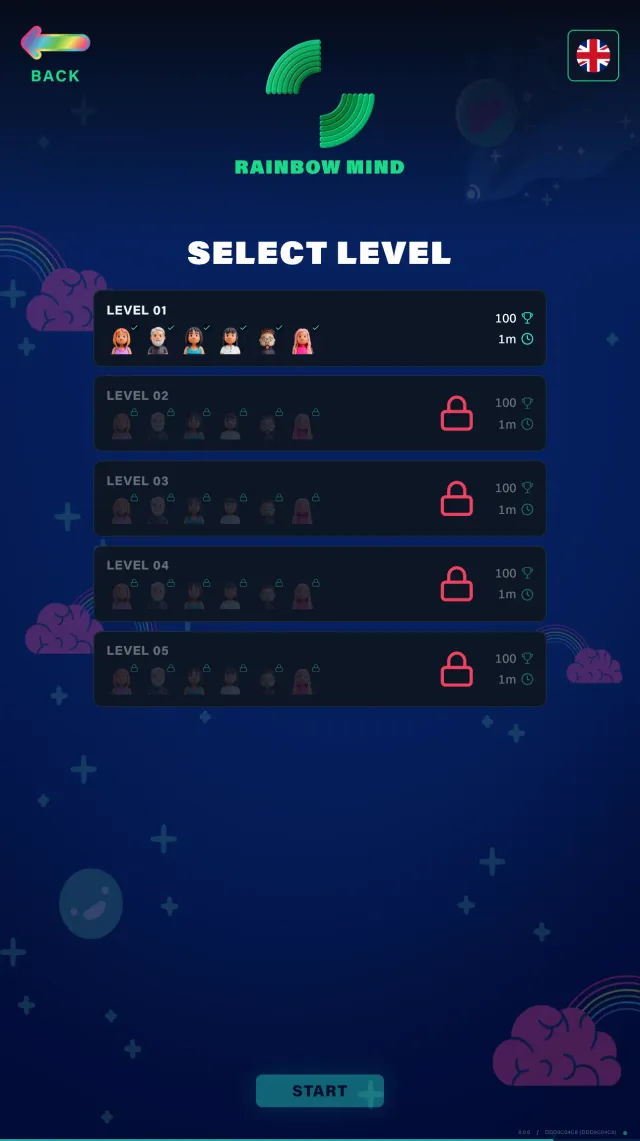
The door screen shows the game waiting. Scan the band, pick the mode and level, and the room opens.
Inside AppNew
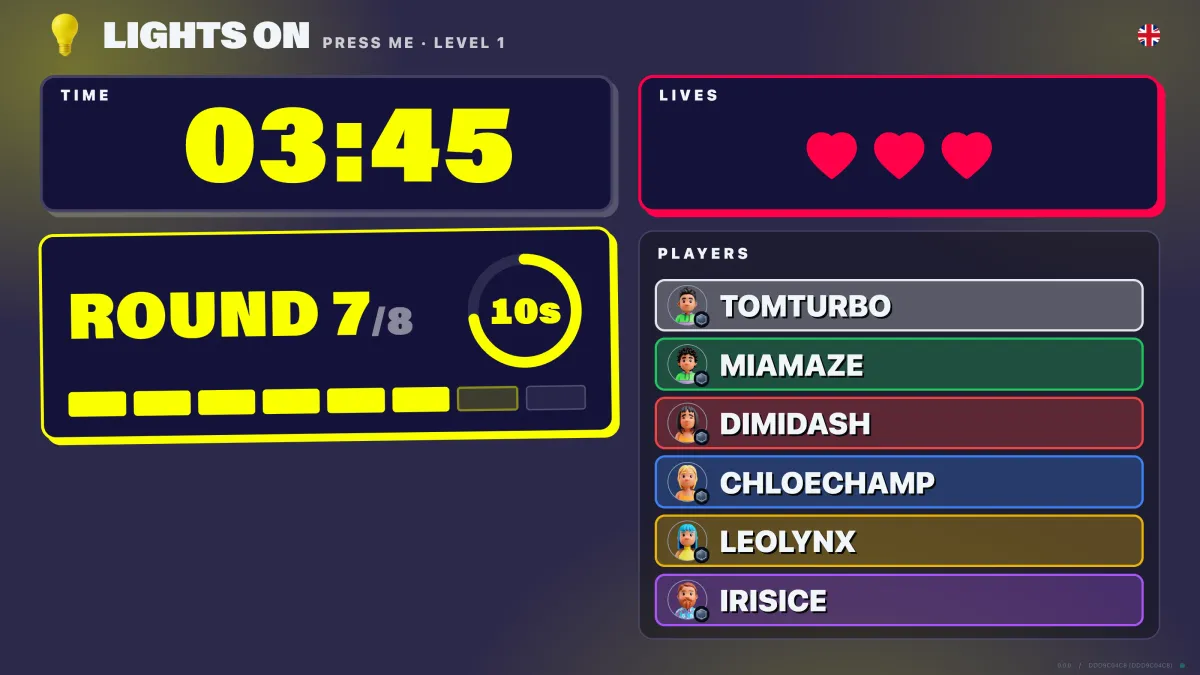
The target, the countdown and the live score — every player listed by colour and tier, with the challenge adapting to how they are performing.
Competitive modeNew
The same room, scored per player instead of per team — the format behind tournament nights and leagues.
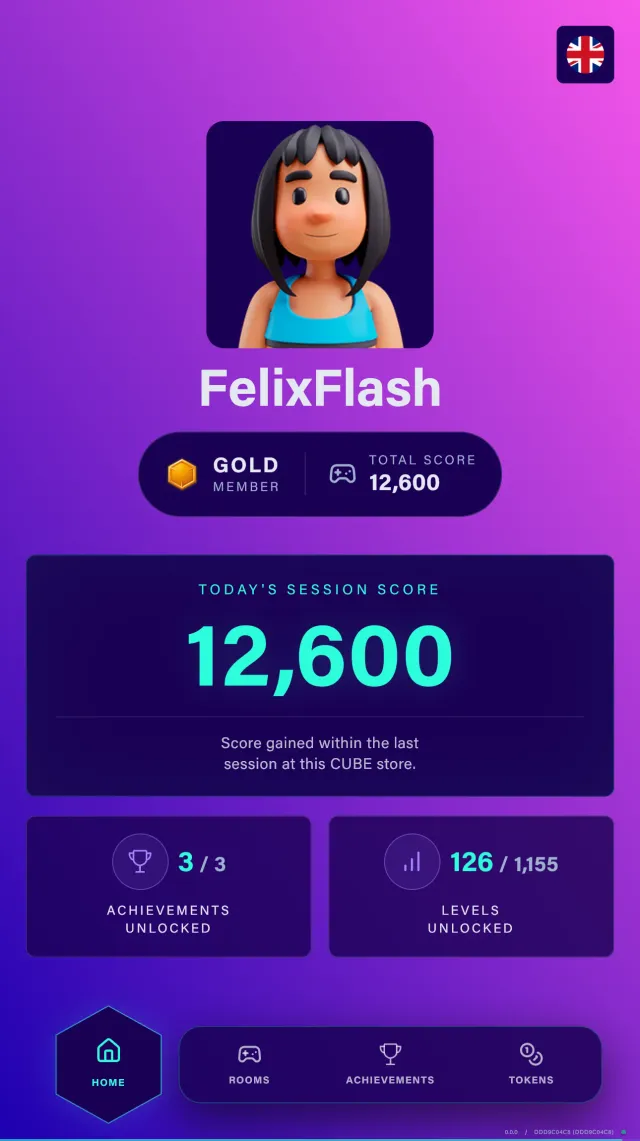
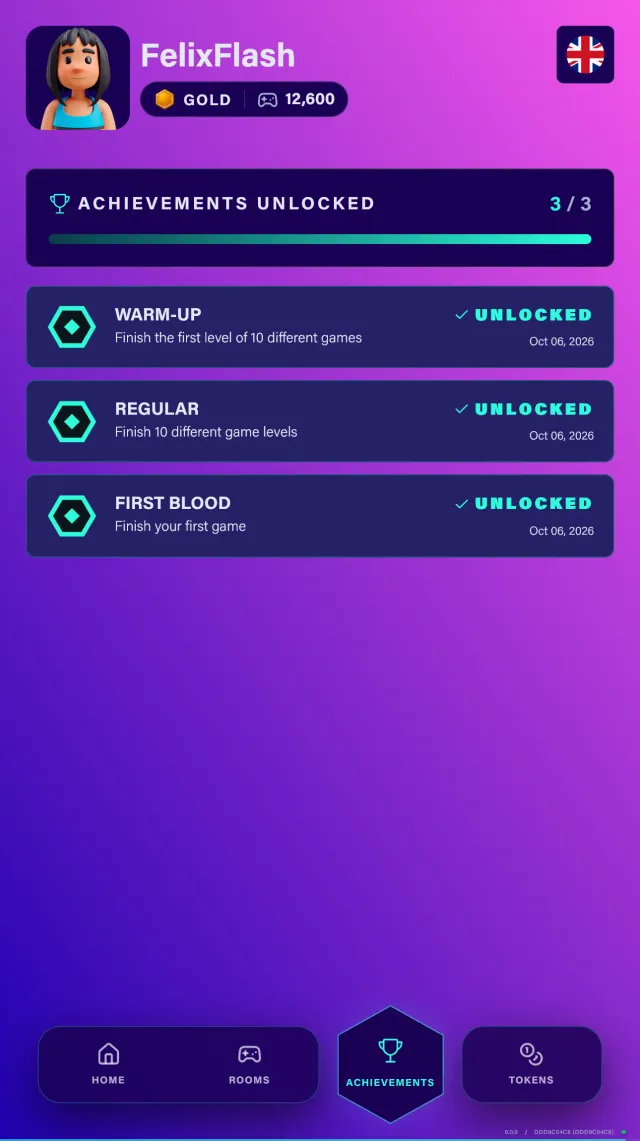
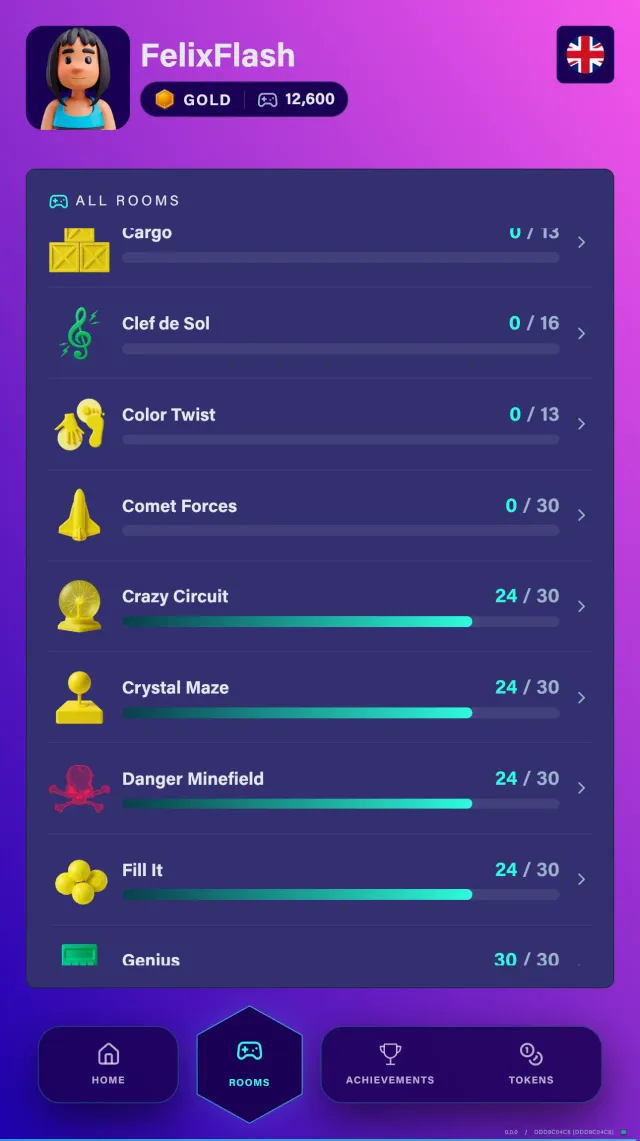
Live Progress Scoreboard AppNew
The player's live session as it happens — score so far, plays, best play, achievements and tokens — on the venue's own screens while they are still on the floor.
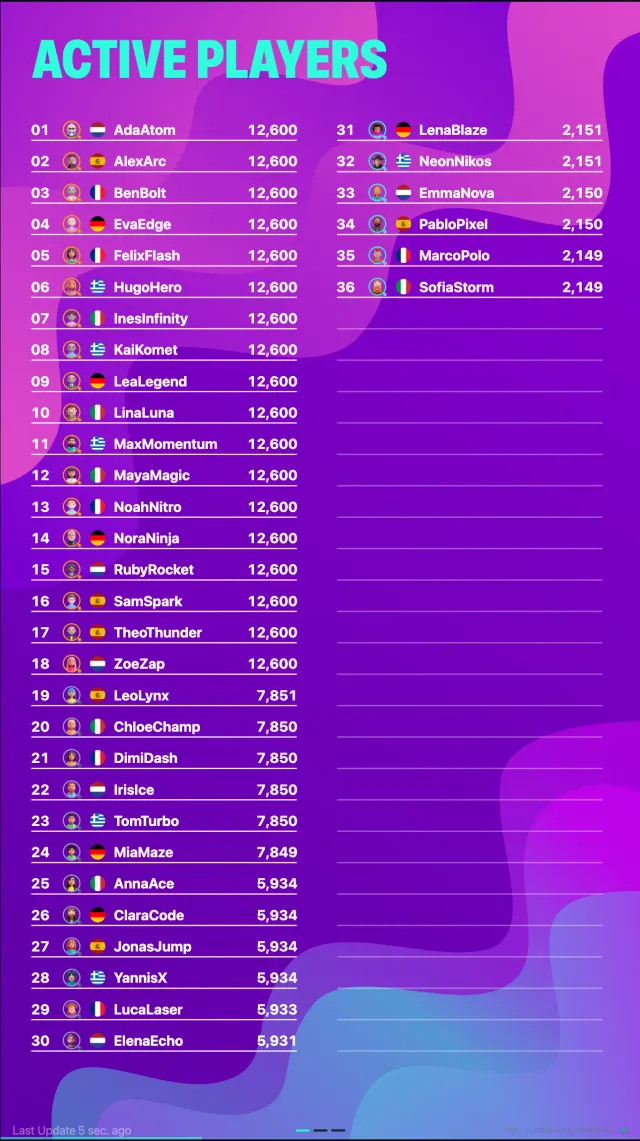

Leaderboard AppNew
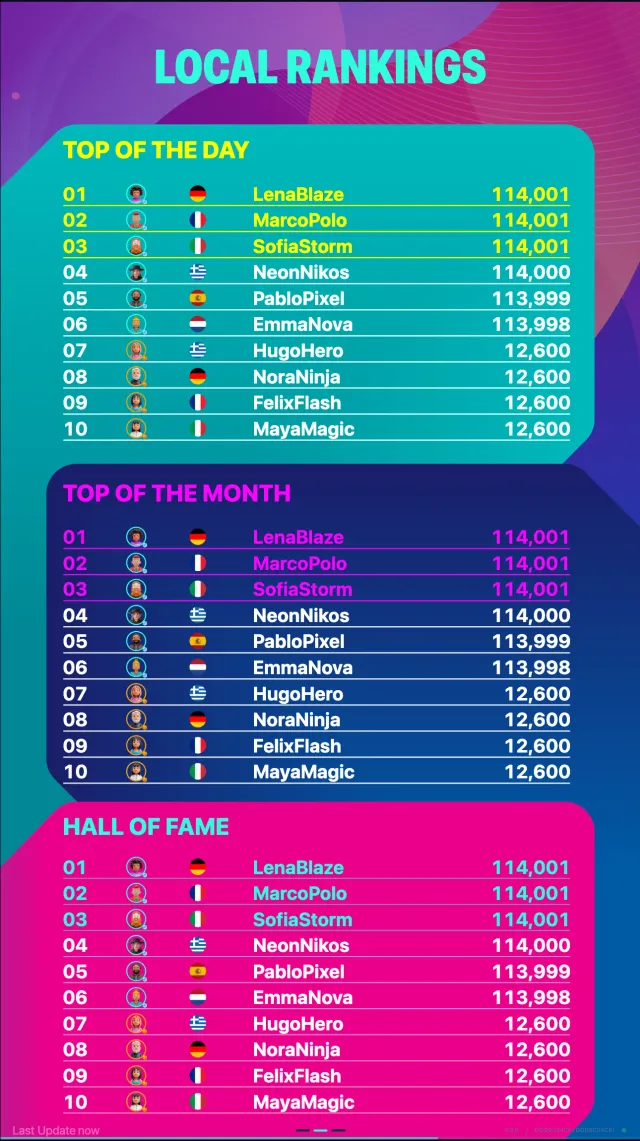
Hall of fame, top of the month and top of the day on the wall, next to who is playing right now — plus the worldwide ranking across every CUBE location.
Photobooth AppNew
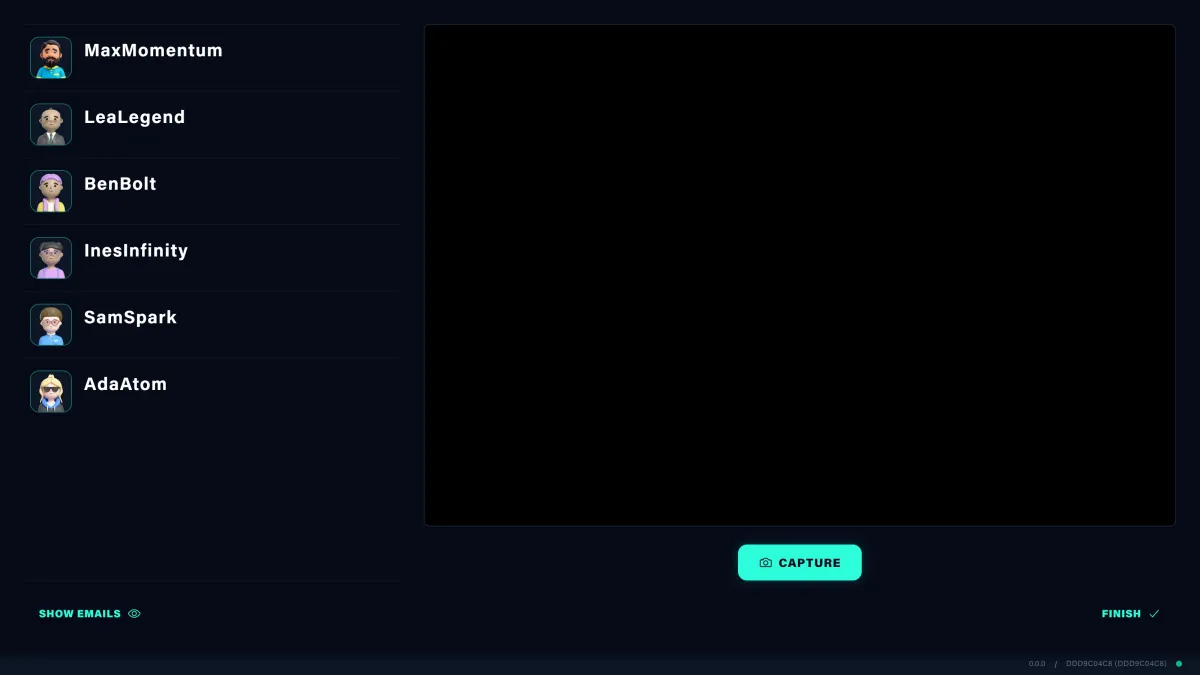
Scan the band, take the team shot, and it lands on the players' profiles on the way out.
What it does
- Game operation across the whole floor
- Player and team registration via RFID wristbands, one account per player
- Live monitoring — who is playing, where, for how long
- Difficulty level control per game
- Scores, player records and leaderboards
- Participation records for the operator
- Player profiles and progression — personal score, in-game levels and loyalty tier
- Global leaderboards ranking players across every CUBE location worldwide
- Waiver and terms accepted at registration, recorded per player
Ask the people who build it
Send us your questions about the admin side, the player side, reporting or integrations — they go straight to the developers who maintain CUBE OS.
Ask about CUBE OS